See Liquid Glass React on GitHub
Liquid Glass React is a React component that recreates Apple’s Liquid Glass effect. You put any content inside it, such as a button or a card, and it gets the glass look.
It is a code library, not an agent skill: your AI agent writes the code that uses it.
It is free under the MIT license. On 28 October 2026 the repository had about 6,500 stars on GitHub.
What it does
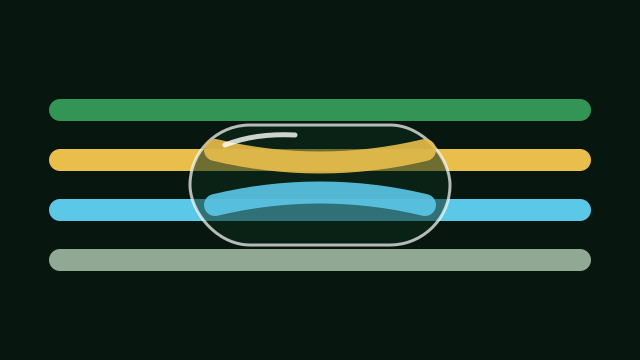
- Bends and refracts the background at the edges, the way real glass does.
- Lets you set how frosted the glass is, its corner radius, color saturation and chromatic aberration.
- Edges and highlights pick up the light underneath, like Apple’s version.
- Reacts to hover and clicks, with an elastic setting that gives it a “liquid” feel.
- Has four refraction modes. The README says the shader mode is the most accurate but not the most stable.
What to know first
The README warns that Safari and Firefox support the effect only partly: the displacement, the bending of the background, is not visible there. So the full effect shows in Chromium-based browsers, and some visitors will see a simpler version. The glass also needs something behind it, such as an image or a gradient, to look like glass.
How to install it
npm install liquid-glass-reactThen ask your agent to wrap a button or card in the LiquidGlass component and tune it, for example less frost or a rounder shape. There is a live demo linked from the README.