ShaderGradient makes customizable, moving 3D gradients. It works as a React package, a Vue and Nuxt package, a Figma plugin and a Framer component.
It is a code library, not an agent skill: your AI agent writes the code that uses it.
The README says it is under the MIT license, although the repository has no separate license file. On 28 October 2026 it had about 3,000 stars on GitHub.
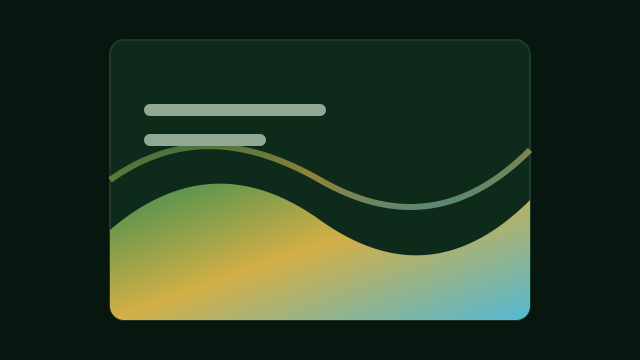
What it does
- Renders the gradient as a 3D shape, a plane, a sphere or a water surface, so it moves and catches light.
- You choose three colors and set the speed, strength, density, grain, lighting and camera angle.
- You can design a gradient on the ShaderGradient website and copy its settings as a link. The component can load the gradient straight from that link.
- It can load only when the gradient scrolls into view.
What to know first
The React version is built on React Three Fiber and Three.js, so it adds a 3D engine to your page. That makes the page heavier than a plain CSS gradient, so check how fast it loads, especially on phones. Versions matter too: for the Next.js 15 App Router, the README says you must use React Three Fiber 9 with React 19.
How to install it
For React, install the package and its peer dependencies:
npm i @shadergradient/react @react-three/fiber three three-stdlib camera-controls
npm i -D @types/three
Then design a gradient on shadergradient.co, copy the link, and ask your agent to put it behind your hero section. Figma and Framer users can use the plugin and the component instead, with no code.