UI UX Pro Max is a skill that adds design knowledge to AI coding agents. Its README lists more than 20 supported agents, among them Claude Code, Cursor, Windsurf, Codex CLI, Gemini CLI and GitHub Copilot.
The basic version in the repository is free and open source under the MIT license. On 26 October 2026 it had about 140,000 stars on GitHub. There is also a paid premium version with brand, logo and slide design.
How it works
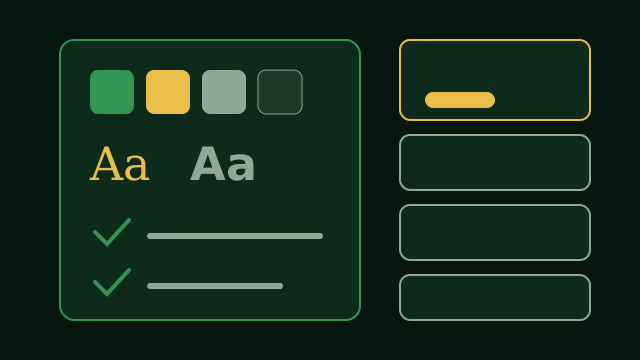
When you ask for interface work, the skill turns on by itself. It runs five searches at once over its data: the product type, the visual style, the color palette, the landing page pattern and the font pairing. A reasoning step then applies the rules for your kind of product and puts together a full design system.
That design system names a page structure, a style, exact colors, fonts, effects, things to avoid and a checklist to run before delivery. For a bank, for example, it warns against purple and pink AI gradients. Only then does the agent write the code.
What is inside
- 79 UI styles you can search, 50 of them active by default, such as glassmorphism, minimalism, brutalism, bento grids and dark mode.
- 192 product types, each with its own color palette and design rules.
- 74 font pairings with Google Fonts imports, and 34 landing page patterns.
- 119 UX guidelines, including accessibility rules and text that reflows without clipping.
- Guidance for 22 tech stacks, from React, Next.js and Vue to SwiftUI, Flutter and Jetpack Compose. If you name no stack, it uses HTML with Tailwind.
What to know first
The search script needs Python 3. It uses only the standard library and makes no network calls. The skill gives design guidance and does not rewrite an existing app on its own, but you can ask the agent to apply a new style to your app one component at a time.
How to install it
In Claude Code:
/plugin marketplace add nextlevelbuilder/ui-ux-pro-max-skill
/plugin install ui-ux-pro-max@ui-ux-pro-max-skill
For other agents, use the command line tool:
npm install -g ui-ux-pro-max-cli
uipro init --ai cursor
Replace cursor with your agent, for example claude, codex or gemini. Then ask in plain words: “Build a landing page for my SaaS product.”