A skill is a pack of instructions you add to a coding tool.
geo-sleuth is free. You can read the code and use it. The license is MIT. The code is Python.
The project page says it finds where a photo was taken, and it shows its work. It uses map shapes from OpenStreetMap, mountain lines from elevation, satellite pictures, and street view.
On 17 October 2026 it had 3,160 stars and 420 copies. The last code update was 16 October 2026.
The README says it works with Claude Code, Codex, Cursor, Gemini CLI, OpenCode, and GitHub Copilot. Any tool that reads a file called SKILL.md and can run commands can use it too.
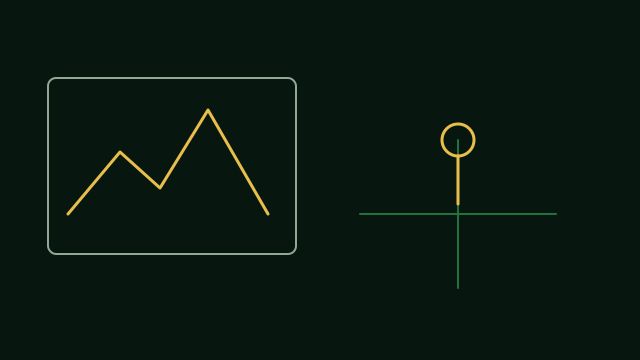
What a reel showed
A reel says Claude looked at one photo of a stove in a field and found where that stove stood, within about two meters. That distance is the reel's example, not a promise for every photo.
The same reel says the skill matches mountain shapes to elevation maps. It counts the supports under a bridge. It reads the shadows of cars to find where the photographer stood.
The README describes the same kind of work. A ridge line can be matched to elevation data. The space between bridge supports can work as a ruler. Shadows can give a direction.
What you get back
The README says you get the camera's place, the direction it faced, and a satellite picture that shows the evidence.
It also says a result has to name the command that ran and the file that command made.
A note on privacy
A window in a story can show where you live. Check your own photos before you share them.
The project page asks you to run this only on your own photos, or on photos you have permission to study. Do not use it to find people who have not agreed to be found.
How to install
A reel says you can tell Claude: install geo-sleuth.
The README gives this command. Then give the tool a photo and say find where this photo was taken.
npx skills add Oldcircle/geo-sleuthYou need Python 3.10 or newer, plus uv and curl. On the first run, ask the tool to run doctor.py from the skill's scripts folder, and fix any check that fails.